

How Dash Cameras Record and Operate in Vehicles Today
Dash Camera Recording System Overview
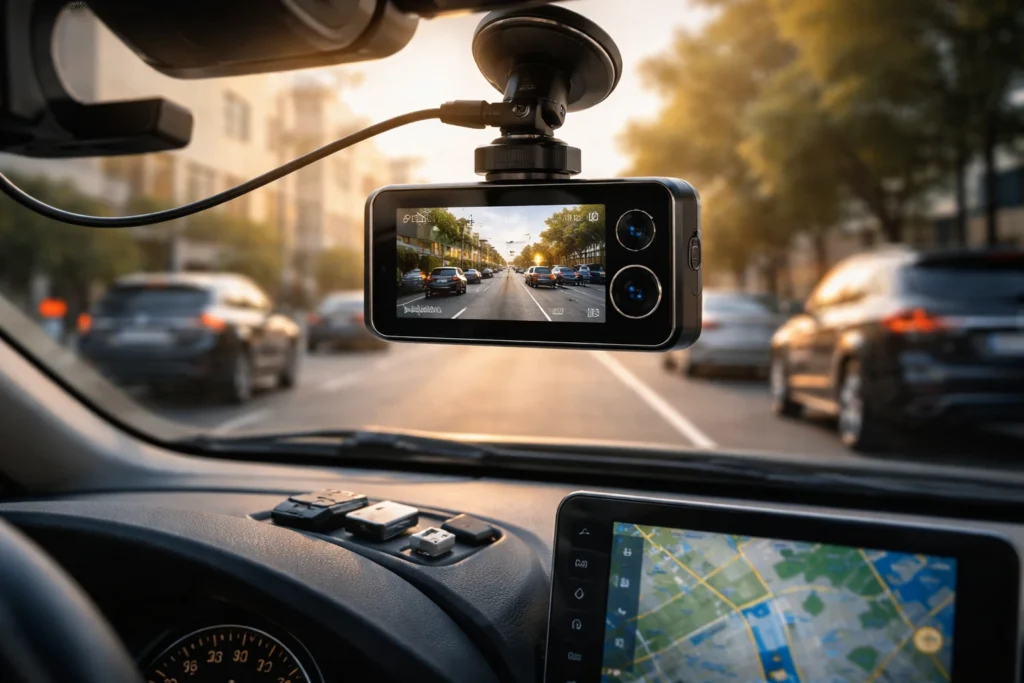
A dash camera is not merely a tiny camera attached to your windshield. It is a compact recording system that combines a camera sensor, image processor, storage controller, and power module to capture what happens on the road continuously. When you start driving, the dash cam works like a silent witness, documenting every mile in real time. Modern dash cameras use advanced video encoding technology to compress footage without losing clarity, ensuring efficient storage. Understanding how this recording system operates helps drivers make better decisions when choosing features, storage capacity, and installation methods for everyday driving security.
Automatic Startup & Real-Time Recording
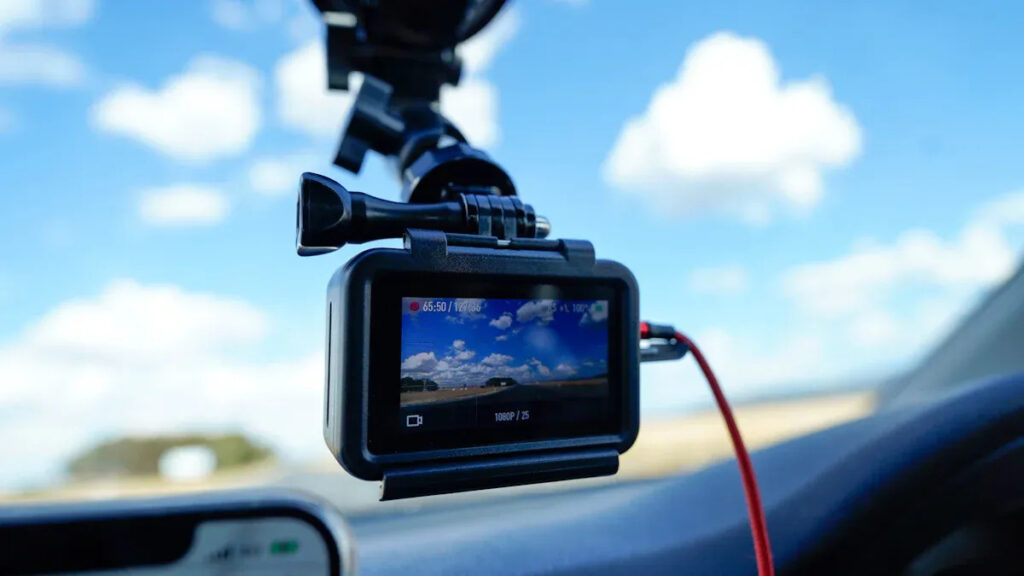
One of the most important features of a dash camera is automatic recording. You don’t need to press any buttons each time you drive. As soon as the engine turns on, the dash cam receives power and begins recording instantly. This seamless process ensures you never miss unexpected incidents like sudden braking, road rage situations, or accidents. Real-time recording means the camera continuously captures live footage while you are driving. The system is designed to operate quietly in the background, allowing you to focus on driving while it documents everything happening ahead of your vehicle.
👉 You might also like: How Web3 Is Redefining the Internet Architecture
Ignition-Based Power Activation
Most dash cameras connect to your vehicle’s 12V power outlet or a hardwired connection. When the ignition is switched on, electricity flows to the device, triggering automatic startup. This ignition-based activation ensures the camera begins recording without delay. The moment your engine runs, the recording system activates and prepares the memory card for new footage.
Instant Recording Initialization
Advanced dash cams use fast boot firmware that allows recording to begin within seconds. There is minimal lag between powering on and capturing video. This quick initialization ensures that even the first few moments of your trip are documented, reducing the risk of missing critical evidence.
Loop Recording & Smart Overwrite System
Dash cameras are designed to record continuously without requiring manual file management. They use loop recording technology, which divides video into small segments, usually one to five minutes long. When the memory card becomes full, the system automatically overwrites the oldest non-protected files. This smart overwrite system ensures continuous recording without interruptions. You never need to worry about clearing storage manually. At the same time, important footage, such as accident recordings, is protected from deletion. This balance between automation and data protection makes loop recording one of the most essential features of modern dash cams.
File Segmentation Structure
Instead of saving one long video file, dash cams split footage into short clips. This segmentation improves storage efficiency and makes it easier to locate specific moments. If you need to review an incident, you can quickly find the relevant clip rather than scrolling through hours of continuous footage.
Protected Event File Locking
When a sudden impact or collision is detected, the dash cam automatically locks the current video file. Locked files are stored in a separate folder and protected from being overwritten. This feature ensures critical evidence remains secure even when the memory card fills up.
G-Sensor & Impact-Based Recording
A built-in G-sensor plays a major role in how dash cameras record important events. The sensor detects sudden changes in motion, such as sharp braking, rapid acceleration, or collisions. When unusual movement exceeds a preset threshold, the system flags the footage as an event. This automatic detection ensures that key moments are saved without driver input. Impact-based recording adds another layer of protection by preventing essential clips from being erased during loop recording. The sensitivity level can often be adjusted, allowing drivers to customize how easily the camera responds to movement and road vibrations.
Emergency Event Tagging
When the G-sensor activates, the dash cam immediately tags the current recording as an emergency file. This tag prevents overwriting and makes it easy to locate the clip later. Emergency tagging ensures that accident evidence is clearly marked and securely stored for future review.
Video Encoding & Storage Optimization
High-quality dash cameras use advanced video encoding formats such as H.264 or H.265 to balance clarity and storage efficiency. These compression standards reduce file size while maintaining sharp detail, making it possible to record hours of footage on a single microSD card. Storage optimization is essential because continuous recording can quickly consume memory space. Efficient encoding ensures smoother playback and better compatibility with computers and mobile devices. By combining smart compression with loop recording, dash cameras maximize available storage without sacrificing video quality, delivering reliable performance for daily driving needs.
Power Management While Driving
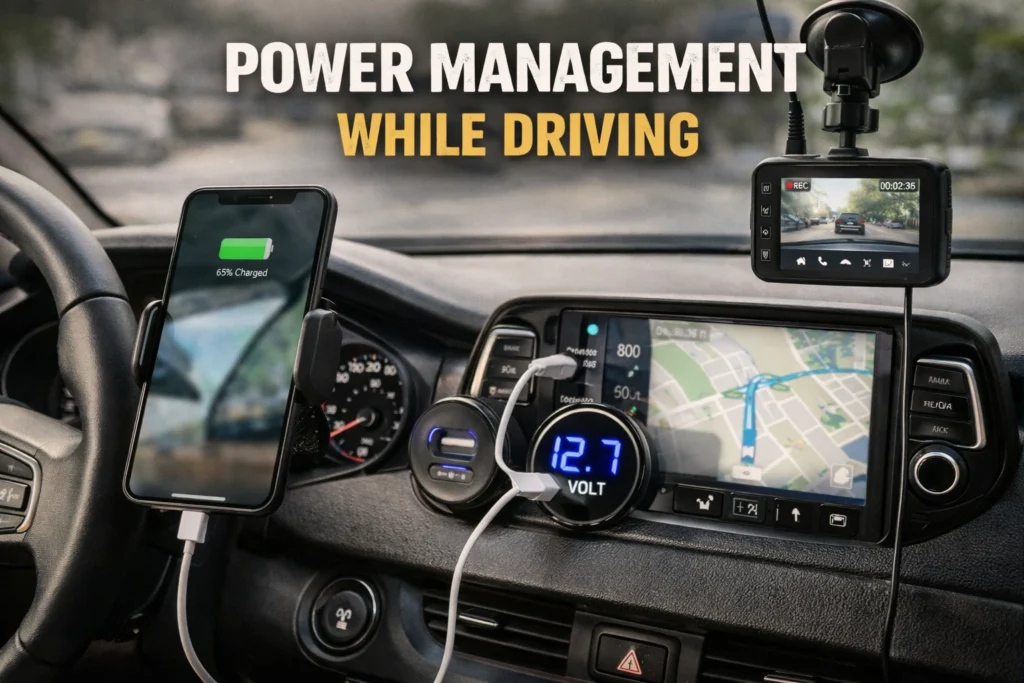
Dash cameras rely on a stable power source to operate continuously during driving. Most cameras draw power from the car’s 12V socket or through a hardwired connection to the fuse box. Hardwiring provides a cleaner installation, reduces cable clutter, and allows features like parking mode, which records even when the engine is off. Power management ensures the camera maintains a consistent voltage supply, preventing sudden shutdowns during long trips. Modern dash cams also include low-voltage protection, so they automatically stop recording if the car battery drops below a safe level, protecting both your footage and your vehicle’s electrical system.
👉 You might also like: Runlia Platform Guide 2026 | Features, Benefits & AI-Powered Ecosystem
Hardwire Voltage Protection
Hardwired dash cams monitor the car’s voltage in real time. If the voltage dips too low, the system safely powers down the camera to avoid draining the battery. This feature is especially useful for drivers who use parking mode or long-term recording while parked, ensuring the car remains functional while preserving footage integrity.
Resolution, Frame Rate & Image Processing
The video quality of dash cameras directly affects how much detail you can capture. Most modern dash cams offer high-definition resolutions such as 1080p, 2K, or 4K, coupled with frame rates between 30 and 60 frames per second. Higher resolution provides clearer images of license plates, road signs, and other vehicles, while a higher frame rate ensures smooth motion capture. Advanced dash cams use image processing technologies like Wide Dynamic Range (WDR) or High Dynamic Range (HDR) to balance bright and dark areas, allowing clear recording even in challenging lighting conditions like tunnels, direct sunlight, or nighttime driving.
GPS Tracking & Metadata Recording
Many dash cameras come with GPS functionality that tracks your vehicle’s location, speed, and route. This data is embedded into the video file, providing additional context in case of accidents or disputes. GPS recording allows you to verify your exact position and speed at any moment, which can be critical evidence for insurance claims or traffic violations. Additionally, metadata such as date, time, and direction is stored alongside the footage, making it easier to organize and retrieve specific clips for review.
Dual & Multi-Channel Camera Recording
Advanced dash cameras support dual or multi-channel setups, allowing simultaneous recording of the front, rear, and even interior of the vehicle. Multi-channel recording ensures comprehensive coverage in case of accidents, protecting both the driver and passengers. Some systems even offer synchronized playback, so you can view front and rear footage side by side. Dual-channel setups are particularly useful for ride-share drivers, taxi operators, and anyone who wants full surveillance of their vehicle during daily driving or parking.
Audio Capture & Sync Technology
Alongside video, many dash cameras capture audio inside the car. This includes engine sounds, passenger conversations, and external noises that may provide important context during incidents. Audio is synchronized with video using precise timestamps, ensuring that sound and visuals align perfectly. Captured audio can be crucial for documenting disputes, aggressive driving behavior, or other road incidents. Users can often choose to enable or disable audio recording to comply with local privacy laws, giving flexibility without sacrificing security.
Driving Mode vs Parking Mode Recording
Dash cameras operate in two main modes: driving and parking. Driving mode records automatically while the vehicle is in motion, capturing every detail on the road. Parking mode, on the other hand, is designed to monitor the vehicle while it’s stationary. In this mode, the dash cam only records when motion or impact is detected, protecting your car from hit-and-runs or vandalism. Switching between these modes happens seamlessly, especially in hardwired setups. This dual-mode functionality ensures that your vehicle is monitored 24/7 without manual intervention, providing peace of mind whether you’re on the road or away.
Motion & Buffered Recording
Parking mode often uses motion detection combined with buffered recording to capture events before and after they occur. The camera continuously monitors the surroundings but only saves footage when movement or impact is detected. This method ensures that you don’t miss the critical moments leading up to an incident, such as someone approaching your car or a minor collision. Buffered recording optimizes storage by only saving essential clips while discarding inactive footage.
Night Vision & HDR Enhancement
Recording in low-light or nighttime conditions can be challenging, but modern dash cameras use technologies like HDR (High Dynamic Range) and WDR (Wide Dynamic Range) to balance bright lights and shadows. Night vision cameras enhance visibility using infrared or low-light sensors, capturing clear footage even in complete darkness. These enhancements ensure that license plates, road signs, and other critical details are visible, making night driving just as secure as daytime driving. Investing in a camera with strong night vision capabilities is essential for drivers who frequently travel after sunset.
Secure Storage & Data Protection
Dash cameras are designed to protect your footage from accidental deletion or corruption. Important event files, triggered by collisions or G-sensor alerts, are locked in a separate folder and cannot be overwritten during loop recording. Additionally, some cameras encrypt video files for added security, preventing tampering. Storage solutions include microSD cards, SSDs, or cloud backup integration, allowing multiple layers of redundancy. Proper management and protection of recorded footage ensure that critical evidence is preserved when you need it most, from insurance claims to legal disputes.
Playback, Backup & File Transfer
Accessing recorded footage is easy with most modern dash cameras. Users can review videos directly on the device, via a smartphone app, or on a computer. Many cameras support Wi-Fi or Bluetooth, enabling seamless file transfer for sharing or backup. Cloud-enabled dash cams automatically upload recordings to secure servers, adding an extra layer of protection. Playback features often include timestamped video, GPS overlays, and synchronized multi-channel views, making it simple to analyze incidents and share evidence with authorities or insurance companies efficiently.
Recording Issues & Performance Optimization
Even the best dash cameras can encounter recording problems if not properly maintained. Common issues include corrupted files, storage overload, low battery shutdowns, or firmware glitches. Regularly formatting your SD card, updating firmware, and checking hardwired connections can prevent most problems. Adjusting G-sensor sensitivity and loop recording settings ensures optimal performance. Being proactive about maintenance keeps your dash cam reliable, ensuring every mile is recorded accurately and all critical footage is protected for safety, insurance, or legal purposes.
✨ Got value? Let’s keep the momentum, follow Dympigal