

A Complete Guide to Staying Safe Online in 2026
Introduction to Online Safety in 2026
The internet in 2026 is smarter, faster, and more connected than ever before, but it’s also more dangerous if you’re not careful. From AI-powered scams to advanced data tracking, online risks have evolved far beyond basic viruses and spam emails. Staying safe online is no longer optional; it’s a daily habit that affects your privacy, finances, and personal identity. This guide is designed to help everyday users understand modern online threats and learn practical, real-world strategies to stay protected while browsing, shopping, working, and socializing online.
Understanding Modern Online Threats
Online threats today are more sophisticated and harder to detect than ever before. Cybercriminals now use automation, artificial intelligence, and social engineering to target users at scale. Instead of obvious warning signs, many attacks appear completely normal. Fake emails look real, websites feel trustworthy, and malicious apps function like legitimate ones. Understanding how these threats work is the first step toward avoiding them. When you know what you’re up against, you can make smarter decisions and reduce your risk of becoming an easy target online.
Common Cyber Threats Users Face Today
Some of the most common online threats include phishing attacks, malware, ransomware, identity theft, and data breaches. Phishing messages often arrive through email, SMS, or social media and trick users into sharing sensitive information. Malware hides inside downloads or fake apps, while ransomware locks your data until you pay. Identity theft happens when attackers misuse stolen personal data. These threats affect individuals, families, and businesses alike.
Importance of Staying Safe Online
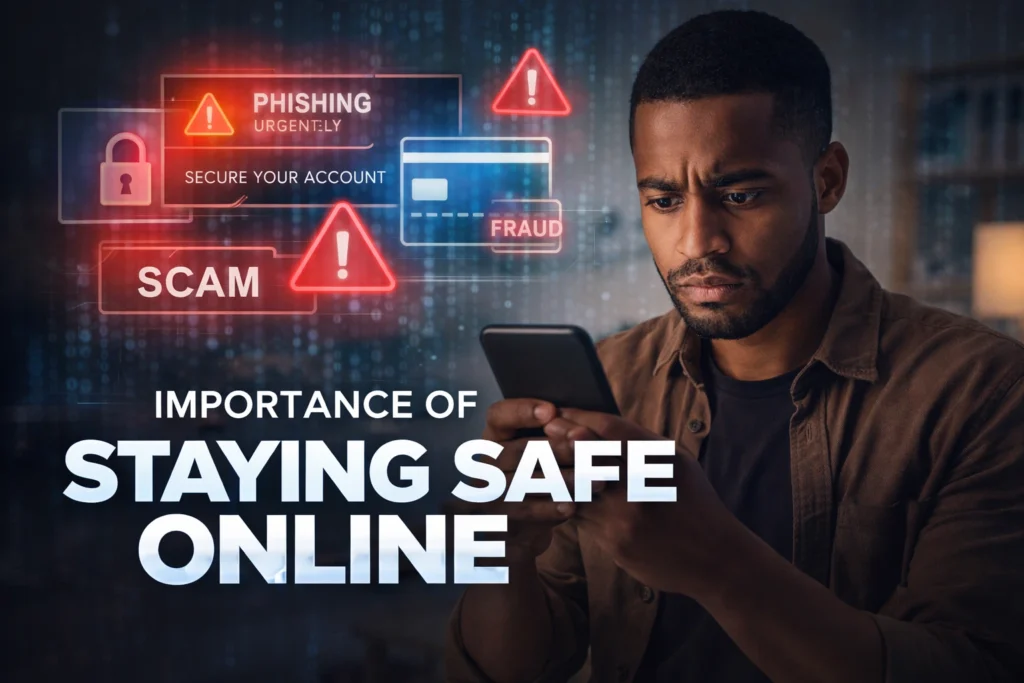
Online safety directly impacts your real life, even when you don’t realize it. A single weak password or careless click can expose private photos, drain bank accounts, or damage your reputation. Beyond financial loss, online attacks can cause stress, emotional harm, and long-term consequences. Staying safe online means protecting your digital identity, maintaining control over your data, and ensuring your personal information doesn’t fall into the wrong hands. In 2026, digital safety is not just about technology; it’s about protecting your peace of mind.
👉 You might also like: Dympigal Tech Explained: A Complete Guide for Beginners
Creating Strong and Secure Passwords
Passwords remain one of the most important lines of defense against online threats, yet many people still reuse weak or predictable passwords. In 2026, attackers use powerful tools that can guess simple passwords in seconds. A strong password should be long, unique, and hard to predict, combining letters, numbers, and symbols. Using different passwords for every account reduces damage if one account is compromised. Good password habits significantly lower the risk of unauthorized access to your online accounts.
Password Managers and Their Benefits
Password managers securely store and generate strong passwords so you don’t have to remember them all. They reduce the temptation to reuse passwords and help protect against phishing by auto-filling credentials only on trusted websites. Most modern password managers use encryption, meaning even the provider can’t see your data. For most users, a password manager is one of the easiest and most effective security upgrades available today.
Two-Factor Authentication (2FA) and Why It Matters
Two-factor authentication adds an extra layer of security by requiring more than just a password to log in. Even if a hacker steals your password, 2FA can stop them from accessing your account. This second step might be a code from an authenticator app, a biometric scan, or a hardware key. In 2026, many security experts consider 2FA essential, not optional. Enabling it on email, banking, and social media accounts dramatically reduces the chances of account takeovers.
Safe Internet Browsing Practices
Safe browsing is about more than just avoiding “suspicious-looking” websites. In 2026, many harmful sites look professional and trustworthy, making it easy to lower your guard. Smart browsing habits include checking URLs carefully, avoiding unknown downloads, and using modern browsers with built-in security features. Clearing cookies, limiting tracking, and being cautious with browser extensions also play a major role. When you browse intentionally instead of mindlessly clicking, you greatly reduce your exposure to malware, data tracking, and hidden security threats that operate quietly in the background.
Identifying Phishing Scams and Fake Websites
Phishing scams are one of the most common and successful cyberattacks today because they target human behavior, not software weaknesses. These scams often impersonate trusted brands, banks, or even people you know. Fake websites may look identical to real ones, using similar logos, colors, and layouts. The goal is to trick users into entering login credentials, payment details, or personal information. Learning to pause, verify, and question unexpected messages is one of the most powerful defenses against phishing attacks.
How Hackers Trick Users Online
Hackers use urgency, fear, and curiosity to manipulate users into acting quickly. Messages like “Your account will be locked” or “Unusual login detected” are designed to bypass logic and trigger emotional reactions. Fake links often contain small spelling changes that go unnoticed. Some attackers even personalize messages using leaked data. Recognizing these psychological tricks helps users slow down, think critically, and avoid falling into traps designed to feel urgent and legitimate.
Social Media Safety and Privacy Settings
Social media platforms collect massive amounts of personal data, and in 2026, that data is more valuable than ever. Oversharing can expose your location, habits, relationships, and even security answers. Reviewing privacy settings regularly helps control who sees your content and how platforms use your data. Limiting public visibility, disabling unnecessary tracking, and being selective with friend requests all reduce risk. Social media should be a place for connection, not a gateway for identity theft or digital stalking.
Securing Your Devices and Software
Your devices are the front door to your digital life, and unsecured software makes that door easy to break into. Smartphones, laptops, and tablets should always be protected with passcodes, biometrics, and security features built into the operating system. Antivirus tools, firewalls, and app permissions add extra layers of defense. Attackers often exploit outdated software because known vulnerabilities are easier to target. Keeping devices secure ensures your personal data stays protected even if one layer of defense fails.
Importance of Regular Updates
Software updates are not just about new features; they often fix serious security flaws. Hackers actively scan for devices running outdated systems because those weaknesses are well-documented. Enabling automatic updates ensures you receive critical security patches without delay. Whether it’s your operating system, browser, or apps, staying updated closes security gaps before attackers can exploit them. Skipping updates may seem harmless, but it significantly increases your exposure to preventable cyber risks.
Using Public Wi-Fi Safely
Public Wi-Fi networks are convenient but risky, especially in places like cafes, airports, and hotels. Many public networks lack encryption, making it easier for attackers to intercept data. Simple activities like checking email or logging into accounts can expose sensitive information. Avoid accessing financial or personal accounts on public Wi-Fi whenever possible. If you must use it, taking extra precautions can help reduce risk. Treat public networks as untrusted environments where caution is essential.
Role of VPNs in Online Protection
When connected to public Wi-Fi, a VPN helps prevent hackers from intercepting your activity. It also masks your IP address, improving privacy and reducing tracking. While a VPN is not a complete security solution, it’s a powerful tool when combined with safe browsing habits and strong account security.
Protecting Personal and Financial Information
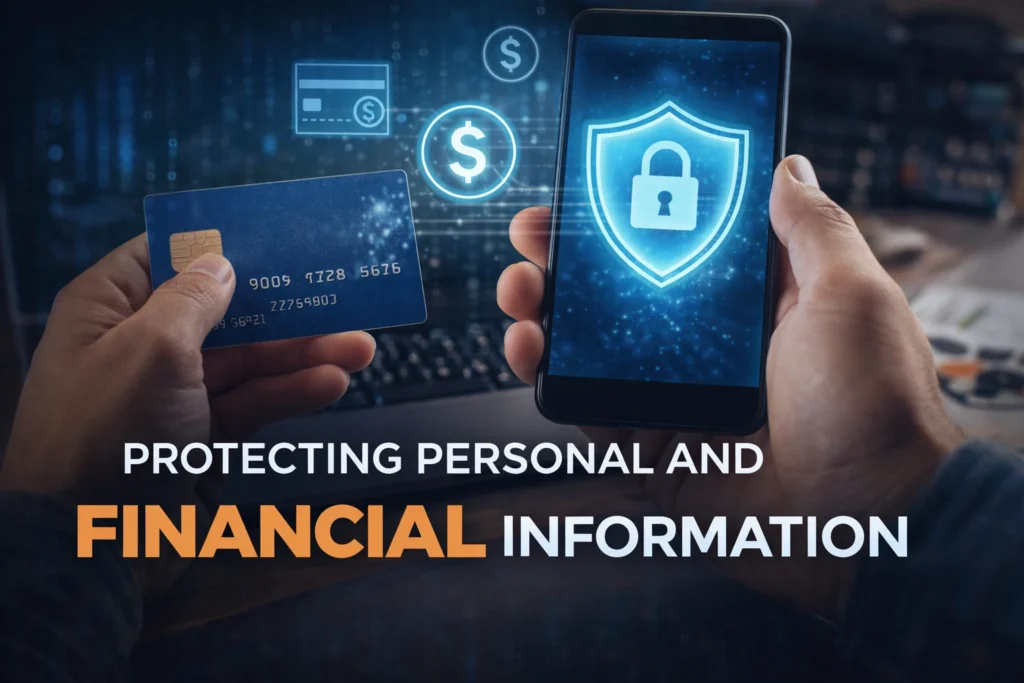
In 2026, personal and financial data will be one of the most valuable digital assets you own. Cybercriminals actively target credit card details, banking logins, and personal identifiers because they can be sold or exploited quickly. Protecting this information means using secure payment methods, avoiding suspicious links, and monitoring accounts regularly. Small habits such as not saving card details on unknown websites and checking statements often can prevent major losses. When you treat your personal data like real money, you naturally become more cautious and secure online.
👉 You might also like: Prizmatem Complete Guide 2026: Meaning, Features & Use Cases
Online Safety Tips for Kids and Teenagers
Children and teenagers are more connected than ever, but they often lack the experience to recognize online risks. Social media pressure, online gaming, and messaging apps can expose them to scams, inappropriate content, or manipulation. Teaching digital safety early helps build awareness and confidence. Open communication is key; kids should feel comfortable discussing what they see online. Instead of strict restrictions, guiding them toward responsible behavior creates long-term safety habits that protect them as they grow into independent internet users.
What to Do If Your Account Gets Hacked
Even with strong security, no one is completely immune to cyberattacks. If an account is hacked, acting quickly can limit the damage. The first step is to change passwords immediately and enable two-factor authentication if it wasn’t already active. Reviewing recent activity helps identify what was accessed. Notify the service provider and, if necessary, your bank. Learning from the incident and strengthening security afterward turns a stressful situation into a valuable lesson in digital protection.
Future of Online Security and Emerging Technologies
Online security continues to evolve as technology advances. In 2026, artificial intelligence, biometric authentication, and passwordless systems will become more common. While these tools improve protection, they also introduce new risks when misused. Cybersecurity is no longer just about reacting to threats; it’s about predicting and preventing them. Staying informed about emerging trends helps users adapt their habits and make smarter choices. The future of online safety depends on both innovative technology and responsible user behavior working together.
Final Thoughts and Online Safety Checklist
Staying safe online in 2026 doesn’t require technical expertise just awareness, consistency, and smart habits. Strong passwords, regular updates, cautious browsing, and privacy controls work best when combined. Online safety is not a one-time setup but an ongoing process that evolves with technology. By following the principles in this guide, you reduce risk and gain confidence online. A few mindful actions each day can protect your identity, finances, and peace of mind in an increasingly digital world.
✨ Good read? Better ones are coming, follow Dympigal